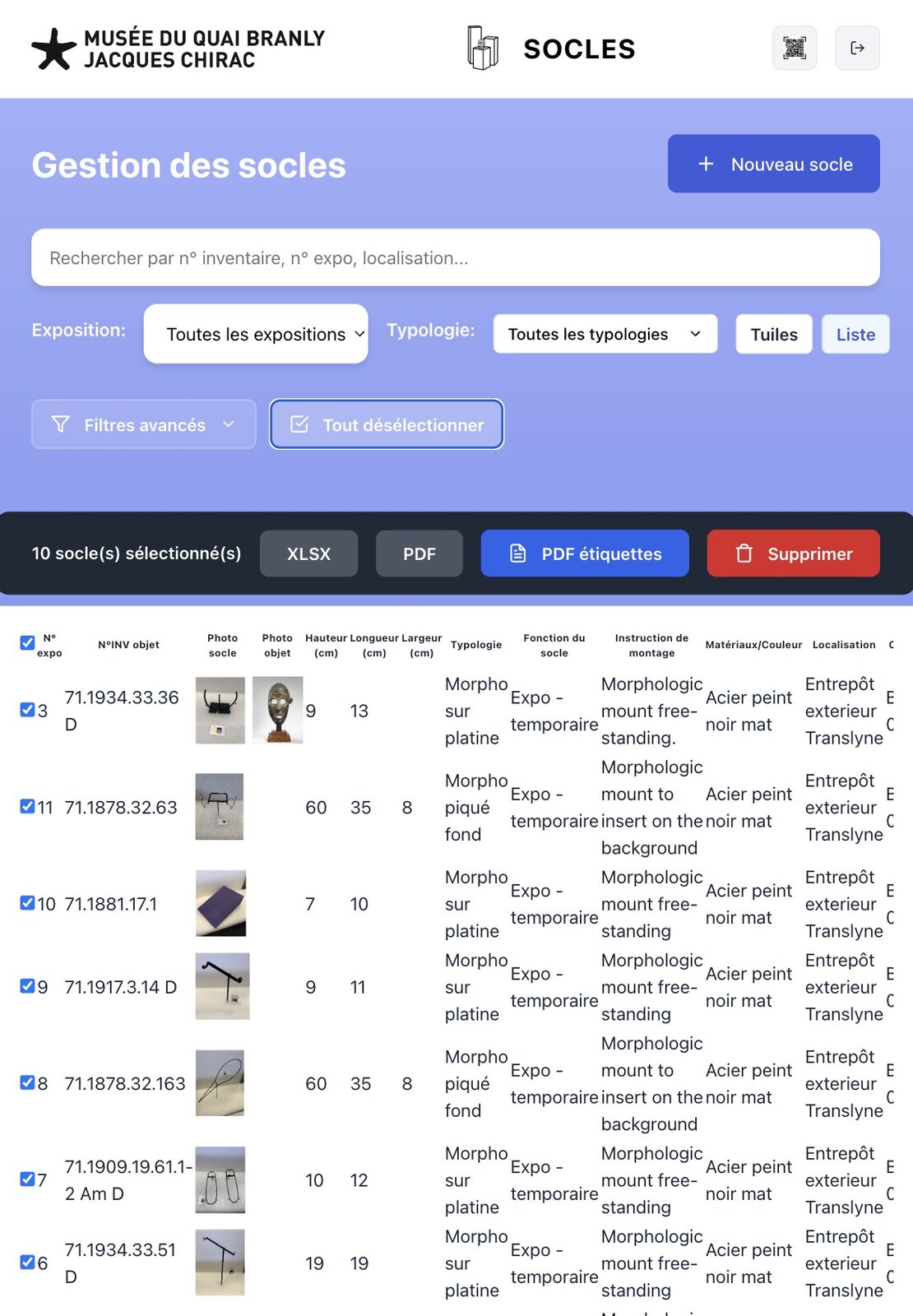
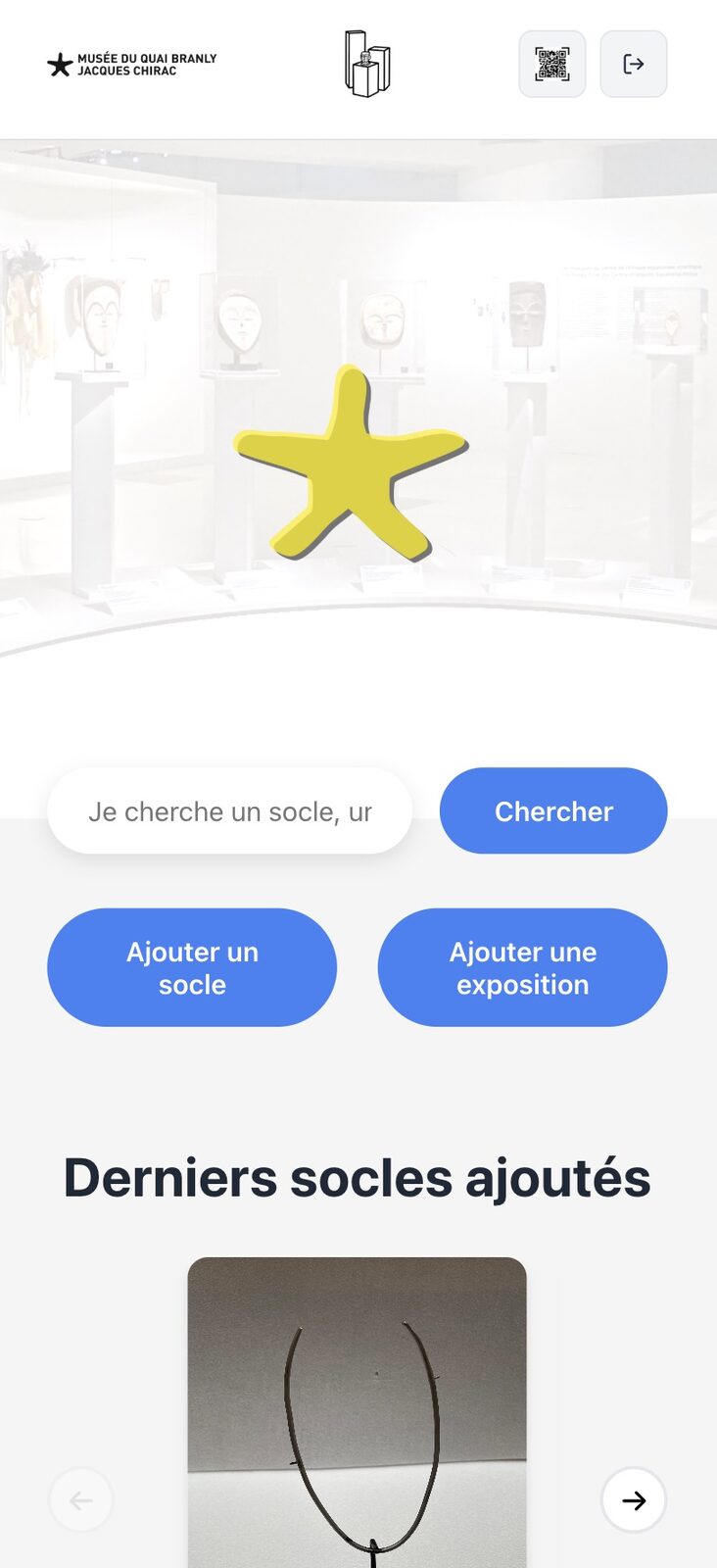
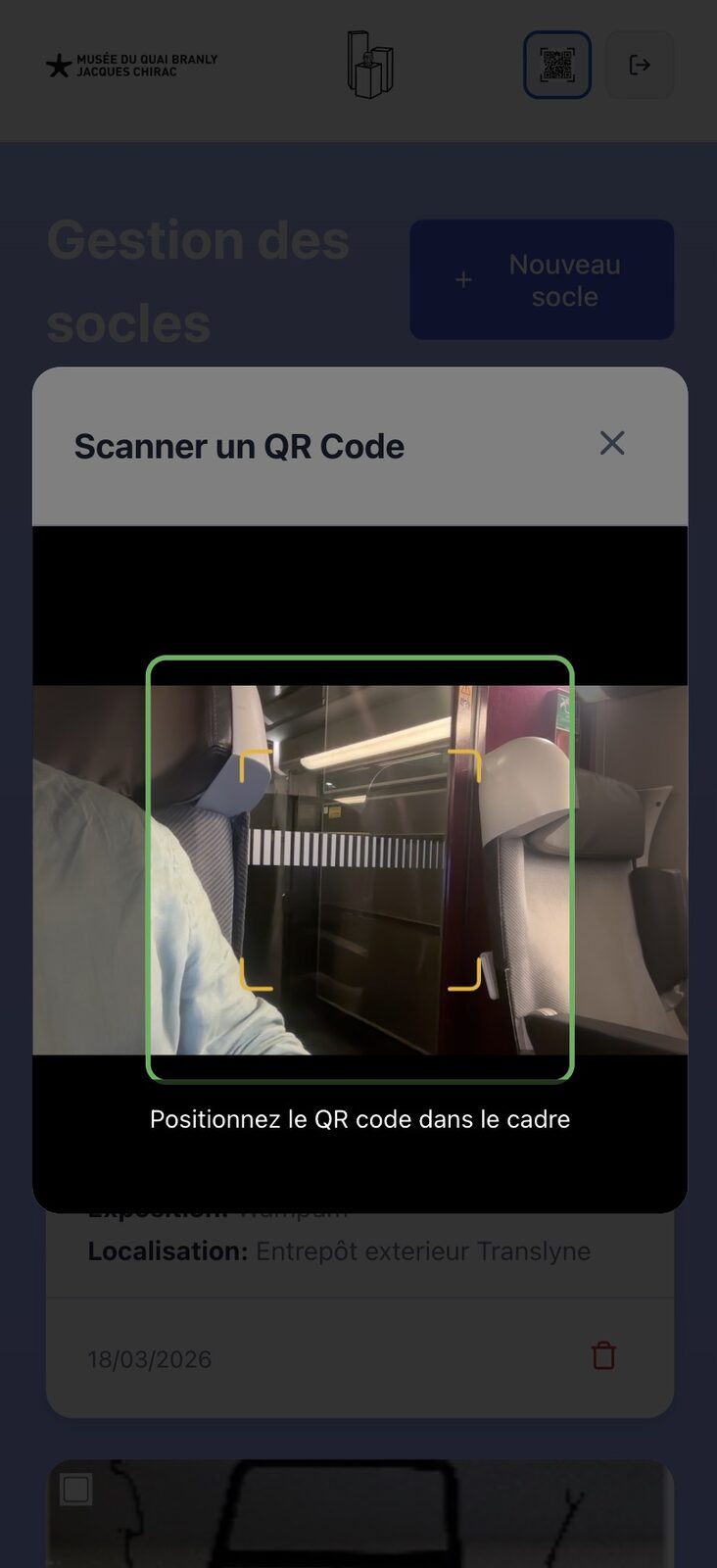
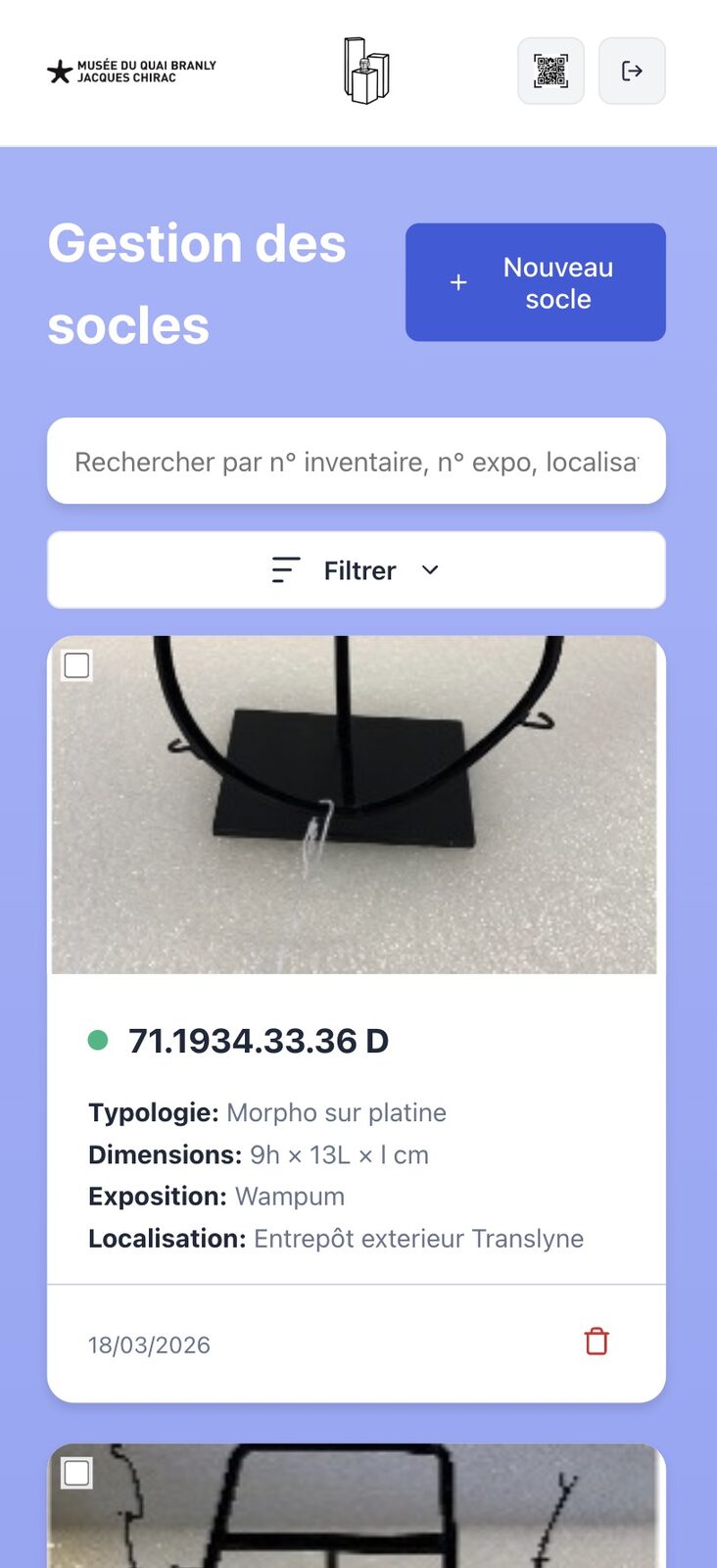
One record per plinth
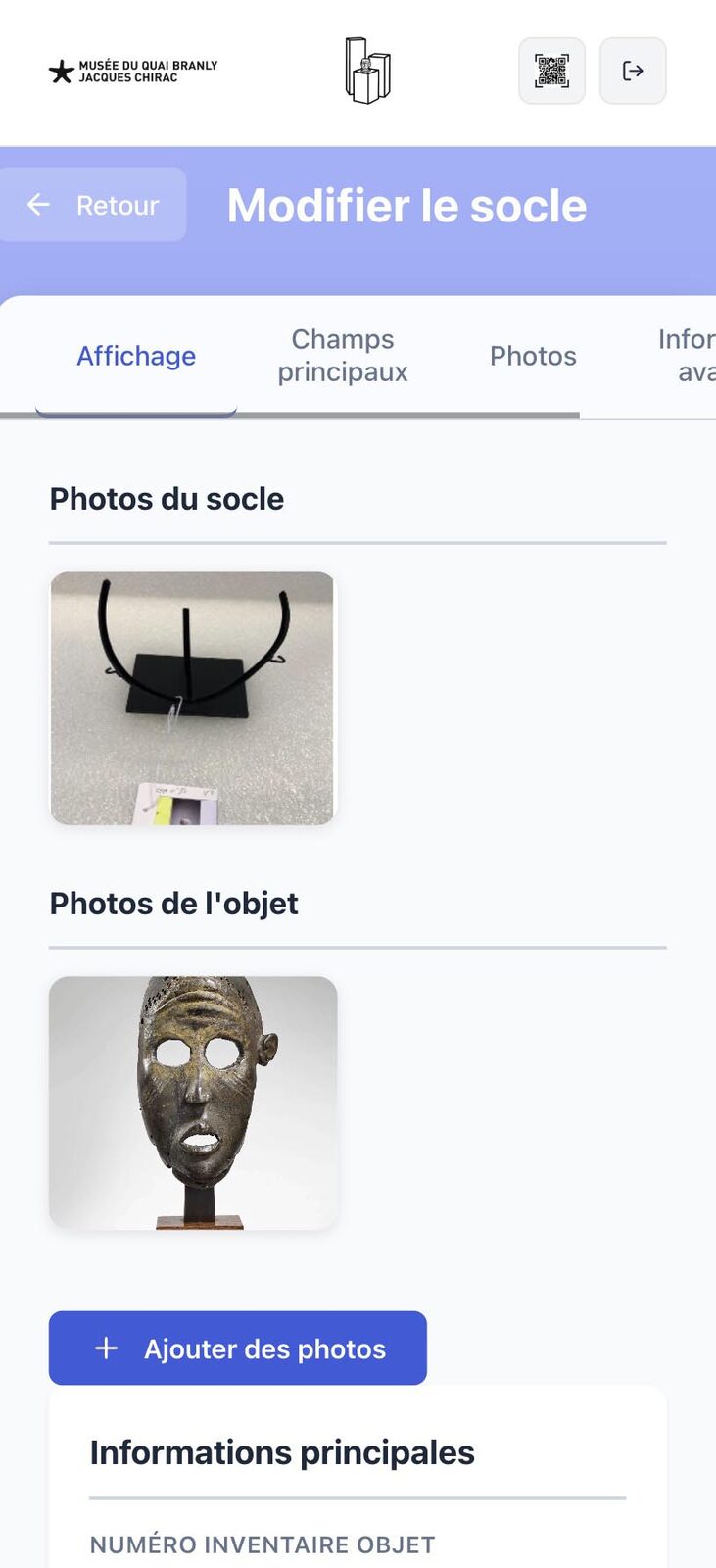
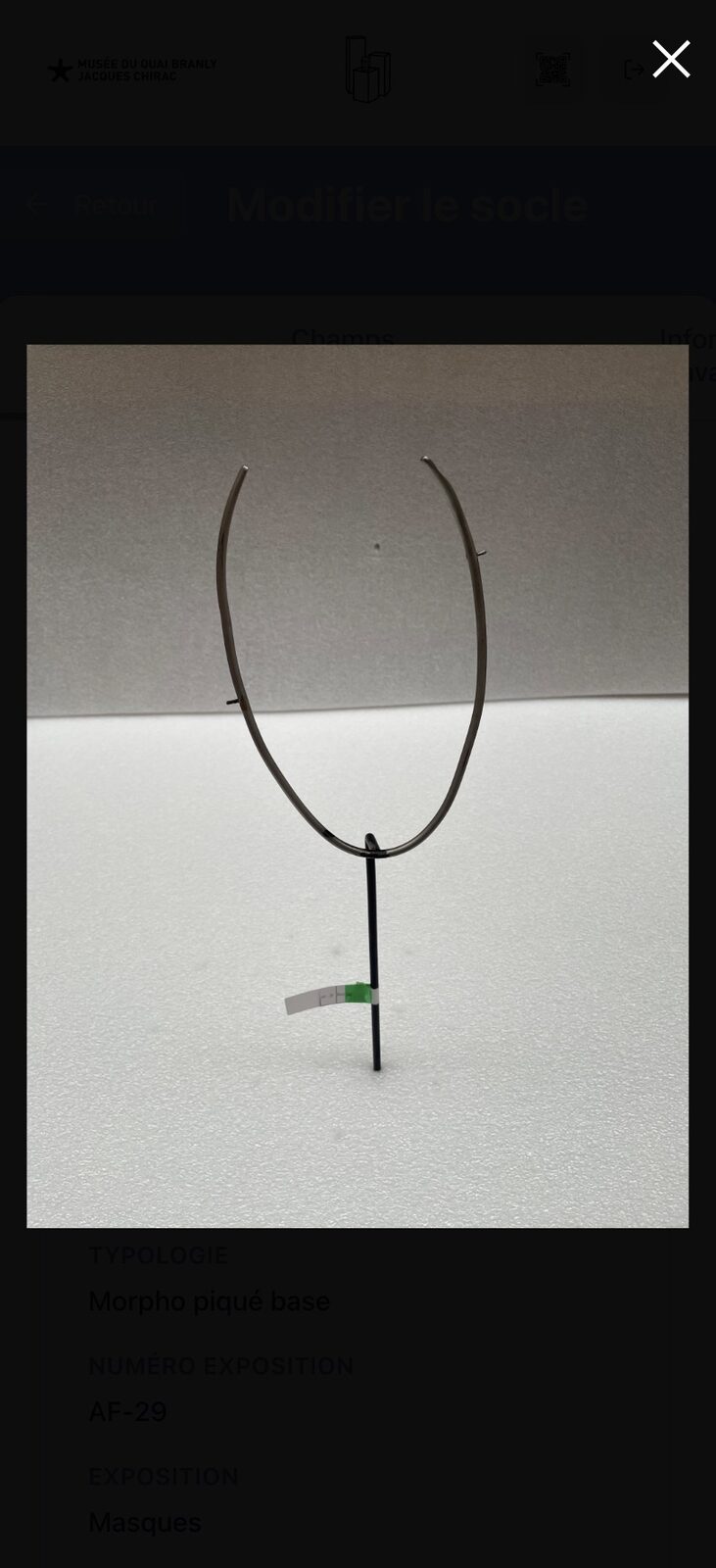
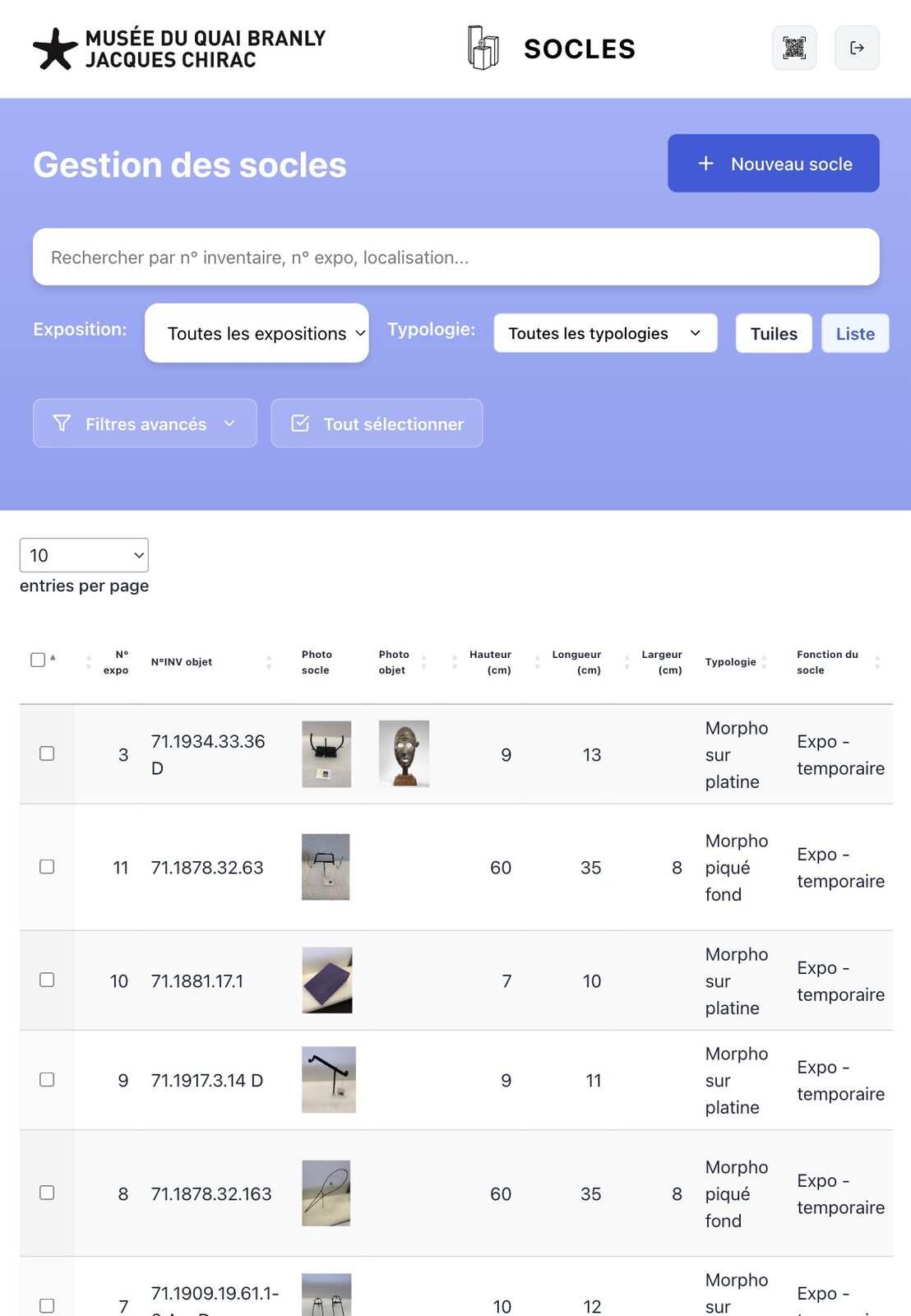
Unique identifier + QR, dimensions, typology, function, materials/colour, location, plinth/object photos, exhibition.
CollectiveAccess is our core craft. But there are tools CA will never do — and that our clients ask for anyway. We build them in-house: web, mobile, offline-first, in the standards they use.
Three projects on this page
What we know how to do,
cutting across the
three projects.
React + Node
SPAs and API services
Offline-first
Service Worker + IndexedDB
QR scanning
Browser camera, native reading
PWA
Installable, full screen, no app store
Image annotations
Overlaid SVG, in-browser editor
Differential sync
Hot resume, conflicts resolved
Excel / JSON imports
Client formats respected to the letter
PDF for print
Labels, registers, fact sheets
Client
Musée du quai Branly — Jacques Chirac
Department
Touring exhibitions
Going live
2026
The subject
Every Quai Branly touring exhibition mobilises artworks that demand bespoke plinth-making. Before Socles: one Excel file per exhibition. No reuse. Plinths re-built from scratch, exhibition after exhibition.
We delivered an MQB × Socles co-branded web application, plugged into an artwork repository, with a QR code per plinth, camera-based scanning in storage, XLSX/PDF exports and printable labels. Three user roles (administrator, contributor, reader), one shared database — desktop for the production office, mobile for on-site work.
The past we replace
| N+ | Excel files — one per exhibition |
| 0 | structured history across exhibitions |
| multiple | difficulty reusing without centralised information |
| none | QR code, no scanning in storage |
↳ scroll horizontally →
Unique identifier + QR, dimensions, typology, function, materials/colour, location, plinth/object photos, exhibition.
Multi-criteria filters to find an existing plinth. Cross-referencing artwork ↔ plinth. An artwork can no longer have two plinths unaware of each other.
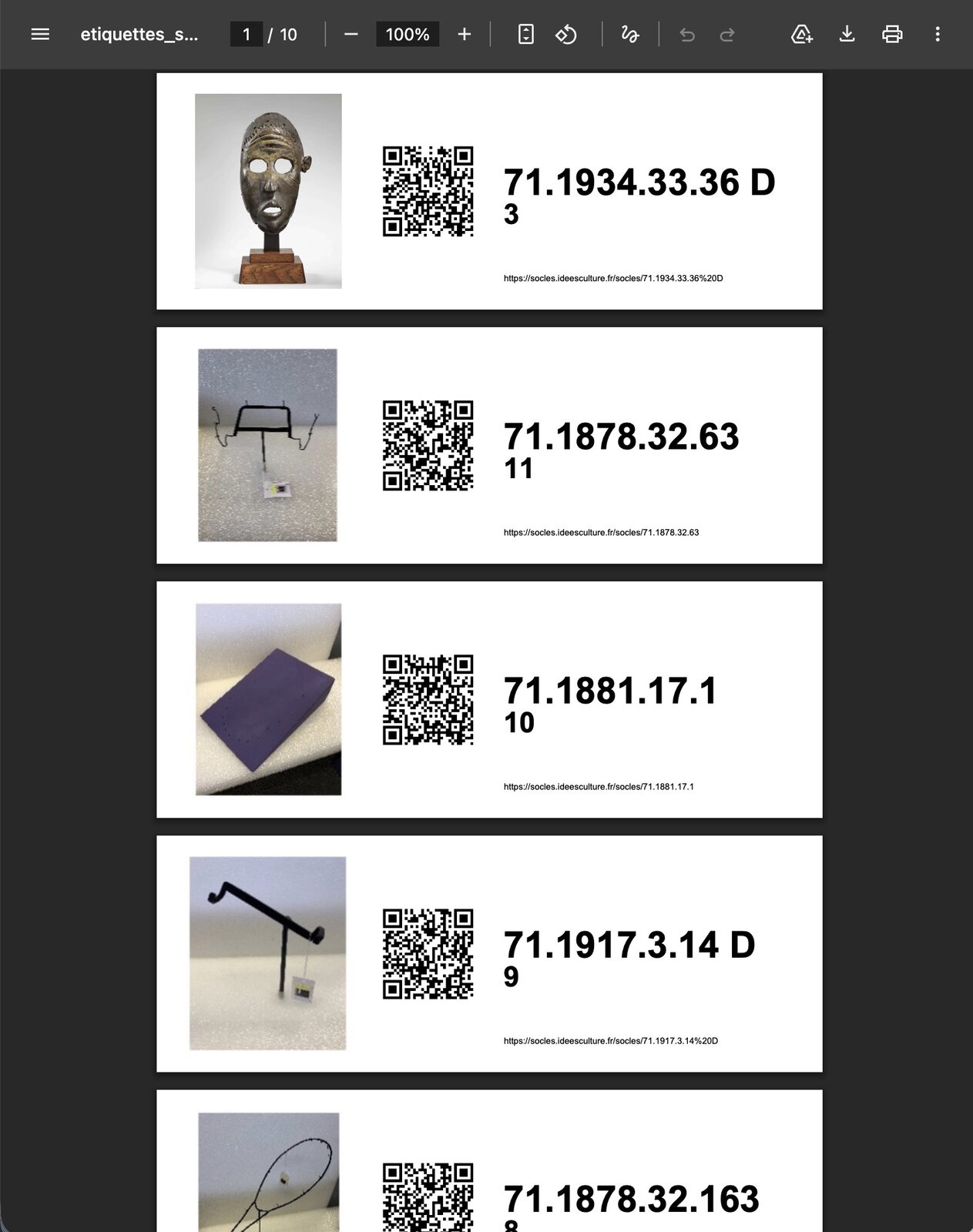
PDF label printed, stuck on the plinth. QR scan during installation, record opens directly on mobile, on-site updates.
Administrators (touring exhibition departments), contributors (staff), readers (partners). Distinct permissions per module.
Importing the past exhibition by exhibition, no re-keying. New scenographer formats accepted as-is.
XLSX, PDF for individual or grouped records, label PDFs. Sent directly from the app.
Deployed at
Notre-Dame de Brebières — Albert (80)
Folleville — Somme
Type
Installable PWA, no app store
The bet
A multimedia visitor guide, accessed by QR code or URL, that works even without a network, in a rural church or in a cathedral basement covered by metres of stone.
We wrote unguide.fr as a pure PWA: no App Store download, no Play Store, no install friction. The visitor scans a QR code at the entrance, the application loads all of its content in the background, and stays usable offline throughout the visit — including audio, video, maps and zoomable images.
Multilingual
FR / EN, languages added without redeployment
Fully offline
Audio + video + images cached on first load
Interactive maps
Zoomable SVGs, clickable points of interest
Audio playback
Text read aloud (MP3 or speech synthesis) at the point of interest — to look at the artworks rather than the screen
Narrated audio
Continuous playback, bluetooth control, no battery drain
Embedded video
Inline mp4, full screen without leaving the tour
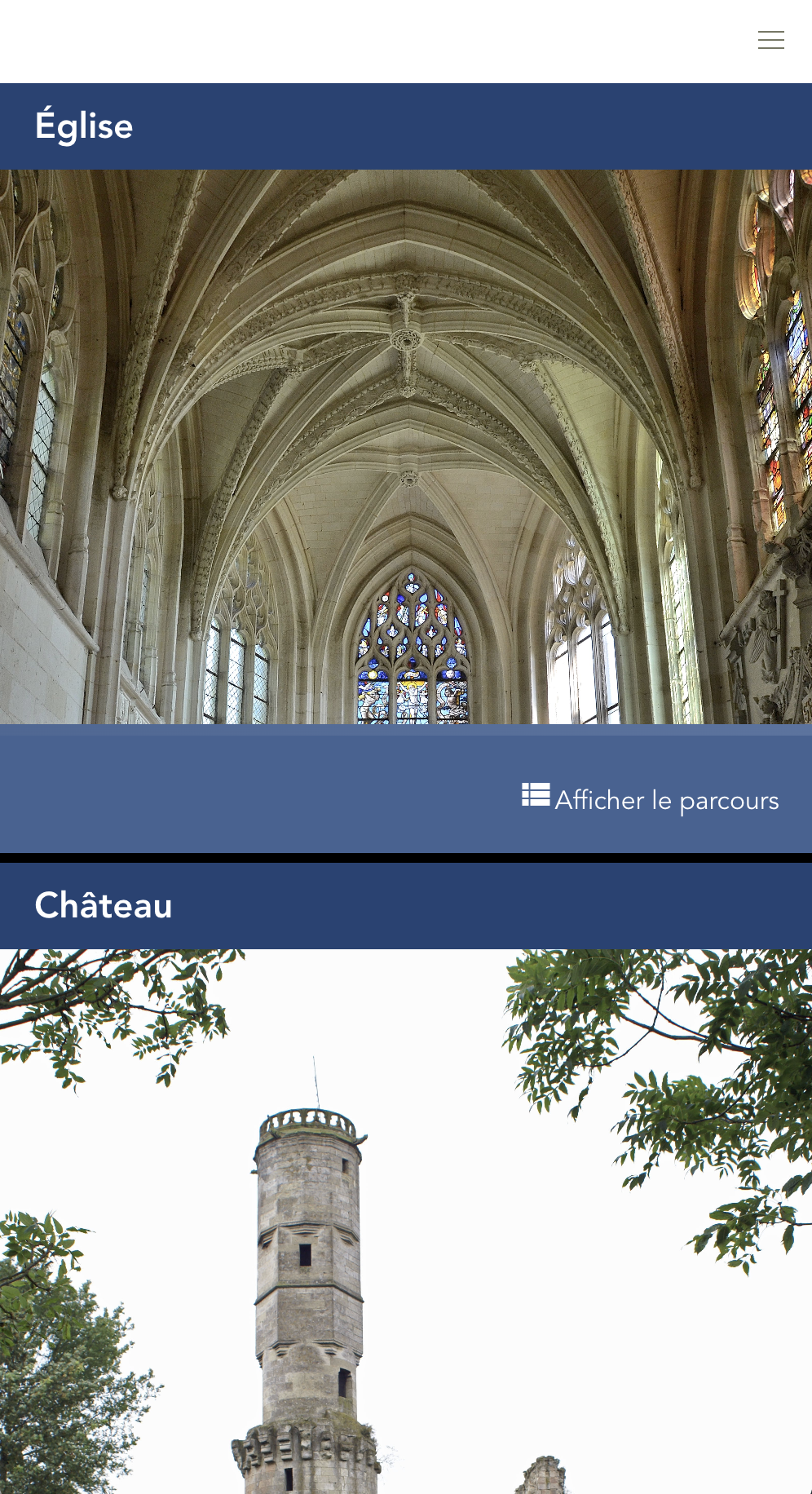
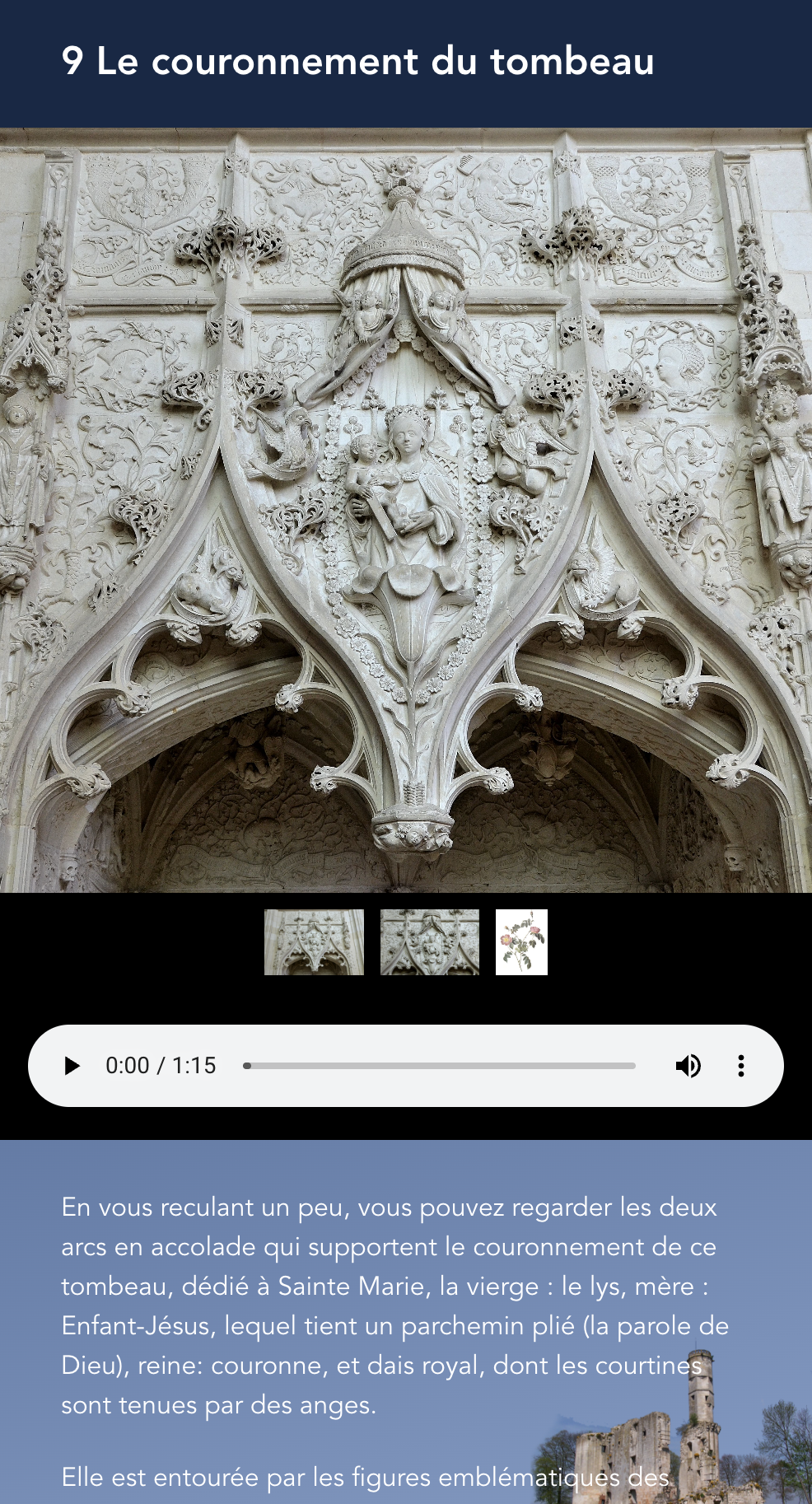
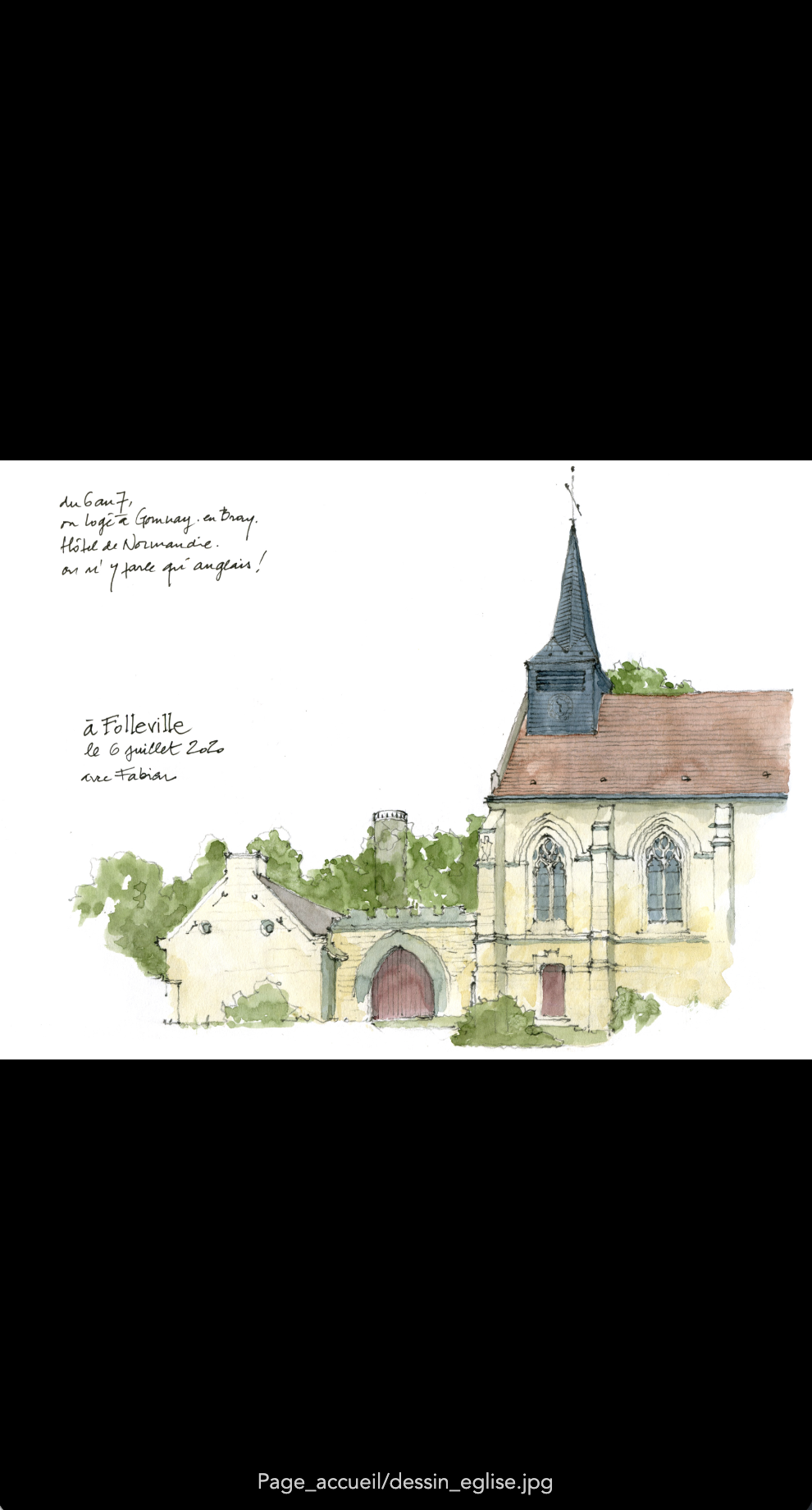
Captures from the app — Folleville
View online
unguide.fr
The client
Spaycific'Zoo — Spay (72), animal park opened in 1989, 600+ animals on 6 ha
Our contribution
Full interactive installation: touch kiosks, NFC, Arduino, real-time scoring
Design
Sound to Sight — art direction and visual identity
The challenge
An 800 m² indoor space alongside the park, where teams measure their senses and their reflexes against those of the animals — disability awareness, human/animal comparison, and above all: having fun.
Spaycific'Zoo entrusted us with the entire digital setup. Touch kiosks deployed on site, games developed in AngularJS, physical buttons connected via Arduino, team identification by NFC, centralised scoring and real-time display screens on Raspberry Pi. End-to-end testing carried out by zoo visitors themselves.
On-site touch kiosks
PCs deployed on site with touch screens, AngularJS application. Everything runs through the kiosks: choosing a challenge, displaying instructions, audio playback.
Arduino remote buttons
Physical interactions wired to the kiosks — to compare a human reaction with that of an animal on sensory and motor challenges.
NFC — teams & routes
Each team is identified by a chip. Place it on the kiosk to start a game, the score is automatically credited to the team.
Central scoring + TV screens
Centralised scoring server. Large display screens (Raspberry Pi) spread across the indoor park — every team sees its ranking in real time.
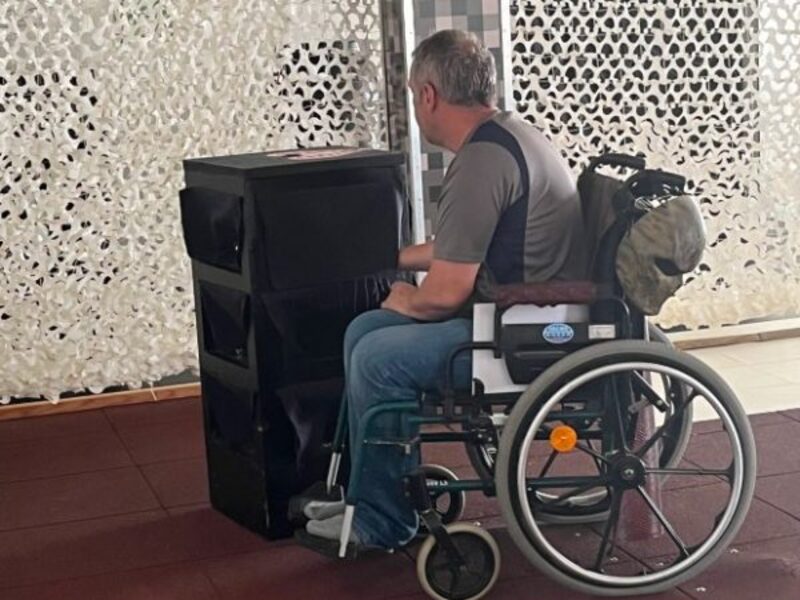
Kiosks, game rooms and lounge spaces — alongside the animal park.
AngularJS
Touch kiosk front-end
Arduino
Remote buttons / sensors
NFC
Team identification
Raspberry Pi
TV scoring display
↳ end-to-end testing carried out directly by park visitors.
Photos: Spaycific'Zoo
A bespoke app?
PWA, mobile app, line-of-business tool, porting an existing system: we take the brief, design it, deliver it. Web, offline-first when needed, hooked into your IT system.
↳ And if needed, these applications can talk to your CollectiveAccess — API, exports, synchronisation.
See our CA offer →